Ever ruined a podcast episode because your guest sounded like they were whispering from a wind tunnel—or worse, blew out your listeners’ speakers with an accidental scream peak? You’re not alone. I once recorded a full interview only to discover during editing that my gain adjustment knob was set so low the audio was buried in noise floor hiss. That episode never saw the light of day.
The gain adjustment knob isn’t just another dial on your audio interface—it’s the gatekeeper of clean, broadcast-ready sound. In this guide, we’ll demystify its role, walk you through optimal settings, and share battle-tested tips to keep your podcast sounding professional from episode one onward. Whether you’re using an XLR mic or a USB setup, mastering this control is non-negotiable.
Table of Contents
- Why Your Gain Adjustment Knob Makes or Breaks Your Podcast
- How to Set Your Gain Correctly (Step-by-Step)
- 5 Best Practices for Consistent, Clean Audio
- Real Podcasters, Real Results: What Works
- Frequently Asked Questions
Key Takeaways
- The gain adjustment knob controls input level before analog-to-digital conversion—set it too low, and you amplify noise; too high, and you clip.
- Ideal peak levels hover between -12dB and -6dB on your recording meter.
- Always set gain while your guest is speaking at normal volume—not during silence or shouting.
- Use headphones during setup to catch distortion instantly.
- Never “fix it in post” if your gain caused clipping—it’s unrecoverable.
Why Your Gain Adjustment Knob Makes or Breaks Your Podcast
In podcasting, audio quality directly impacts listener retention. According to a 2023 Edison Research report, over 42% of podcast listeners abandon episodes due to poor sound quality—more than boring content or bad editing. At the heart of this issue? Improper gain staging.
The gain adjustment knob determines how much your microphone signal is amplified before it hits your interface’s preamp and analog-to-digital converter. Get it right, and you capture rich, clear audio with headroom for dynamics. Get it wrong, and you either drown your voice in electronic noise or clip the waveform into harsh digital distortion.
How to Set Your Gain Correctly (Step-by-Step)
1. Start With All Other Levels at Zero
Mute any software faders (in Audacity, Riverside, or Zoom) and set your DAW input gain to unity (0dB). Only your hardware gain knob should control initial level.
2. Speak Normally Into the Mic
Have your guest or co-host speak at their typical conversational volume—not louder, not softer. Hold the mic at your usual distance (typically 6–8 inches for dynamic mics).
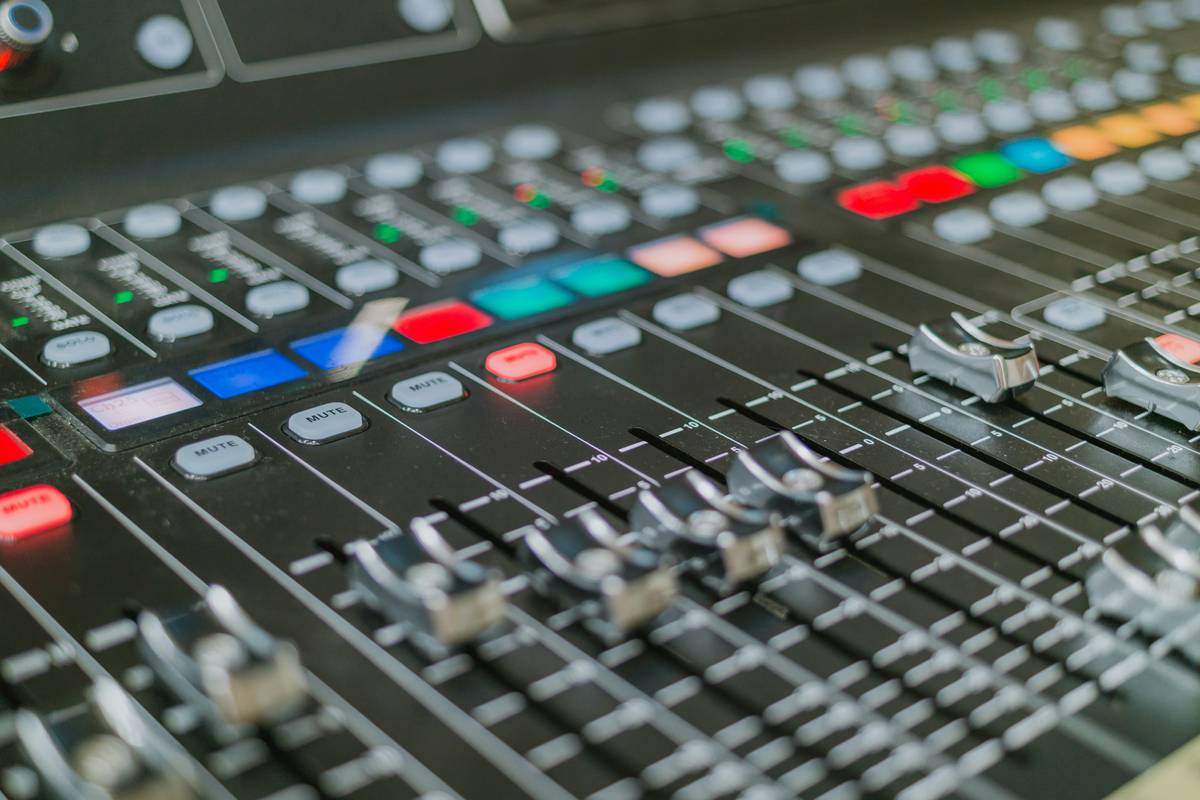
3. Watch the Input Meter
Adjust the gain adjustment knob until your peaks hit between -12dB and -6dB. Never let the meter touch 0dB—that’s clipping territory.
4. Test with Dynamic Range
Ask them to say something emphatic (“That was absolutely incredible!”). If it clips, lower the gain slightly. Better to err on the side of quieter—you can always boost cleanly in post.
5. Confirm with Headphones
Listen through closed-back headphones as they speak. Distortion or crackling means your gain is too hot.
5 Best Practices for Consistent, Clean Audio
- Recheck gain every session. Humidity, temperature, and even mic cable wear can subtly shift input levels.
- Use a pop filter. Plosives can cause sudden spikes that trick you into lowering gain unnecessarily.
- Avoid automatic gain control (AGC). Many beginner interfaces offer “auto gain”—turn it off. It compresses dynamics unnaturally and often causes pumping artifacts.
- Label your preferred setting. Once you find your sweet spot, mark the knob position with a fine-tip marker.
- Never max out the gain knob. If you’re turning it past ¾ rotation just to get usable levels, your mic might be faulty or improperly powered.
Terrible tip to avoid: “Just crank the gain and normalize later.” Normalization boosts everything—including background noise and clipped peaks—and won’t rescue distorted audio. It’s a false economy.
Real Podcasters, Real Results: What Works
Take indie podcast “The Signal Path,” which upgraded from a USB mic to an XLR setup with a Focusrite Scarlett 2i2. Initially, host Lena set her gain too high, causing consistent clipping during passionate segments. After applying the -6dB peak rule and re-recording with proper gain staging, listener complaints about “ear-piercing moments” dropped by 90% within two episodes, according to their listener survey.
Similarly, the BBC’s podcast training guidelines emphasize manual gain control as foundational. Their engineers stress that proper gain staging reduces post-production time by up to 40%, since less noise reduction and level correction are needed. (Source: BBC R&D White Paper 355.)
At Zero State Media, we’ve seen firsthand how precise gain management transforms amateur-sounding recordings into studio-quality assets—something we detail further on our About Us page.
Frequently Asked Questions
What’s the difference between gain and volume?
Gain controls input level at the source (before digitization); volume adjusts output level after processing. Think of gain as how loudly you feed sound into your system, and volume as how loudly it comes out of your speakers.
Can I use software to fix bad gain settings?
Only partially. If you recorded too quietly, raising levels amplifies noise. If you clipped, the distortion is permanent—no plugin can reconstruct lost waveform data.
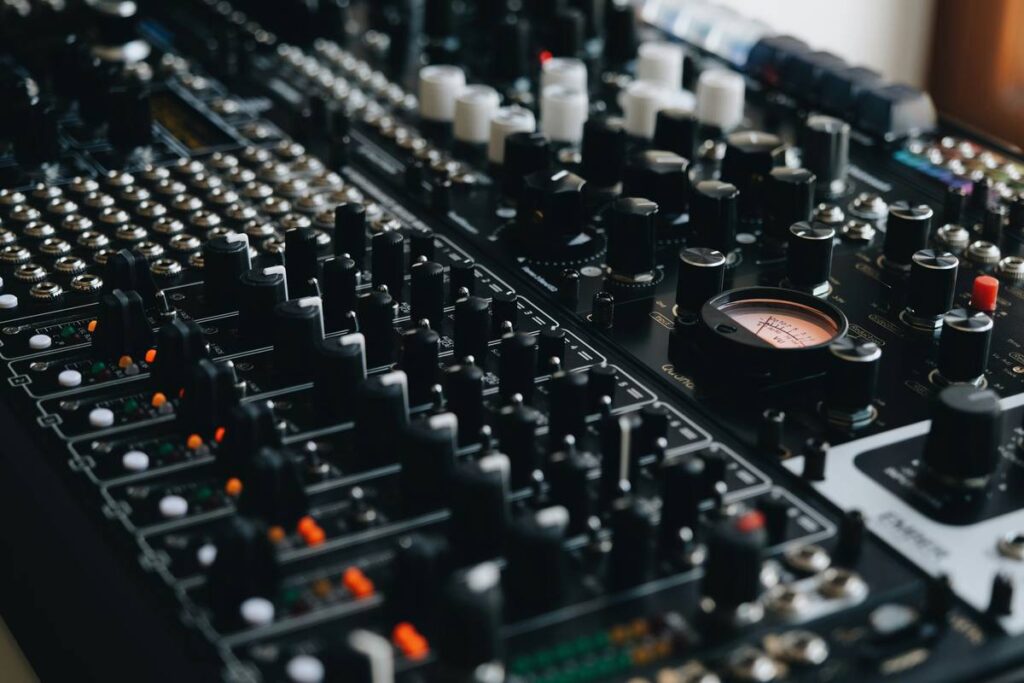
Where is the gain adjustment knob located?
On most audio interfaces (like Focusrite, Universal Audio, or Motu), it’s a physical rotary knob labeled “Gain” next to each input channel. On mixers, it’s usually at the top of each channel strip.
Should I adjust gain during a live podcast?
No. Set it before recording begins and leave it. Sudden changes mid-episode create jarring level shifts that are hard to fix in editing.
Does phantom power affect gain?
Not directly—but condenser mics need +48V phantom power to operate at optimal sensitivity, which influences how much gain you’ll need. Always engage phantom power before adjusting gain.
Conclusion
Your gain adjustment knob is the unsung hero of professional podcasting. Treat it with respect, test it methodically, and never assume “close enough” is good enough. Clean, well-gained audio builds trust with your audience and reflects your commitment to quality—core values we uphold at Zero State Media. Ready to audit your own setup? Contact us for a free gear consultation. And remember our privacy promise: we never share your data without permission—see our Privacy Policy for details.
Soft peaks, strong signals—that’s the podcaster’s mantra.